Welcome to Year 6 Computing — Micro:bit Lesson 4: Conditionals & Logic Games! 🎮🤖 You have mastered events and variables. Today, we give our micro:bit…
Comments closedDyson-Mills Computer Science Posts
For the next term we are going to work on programming with Python. The version we use at school can be freely downloaded here Introducing…
Comments closed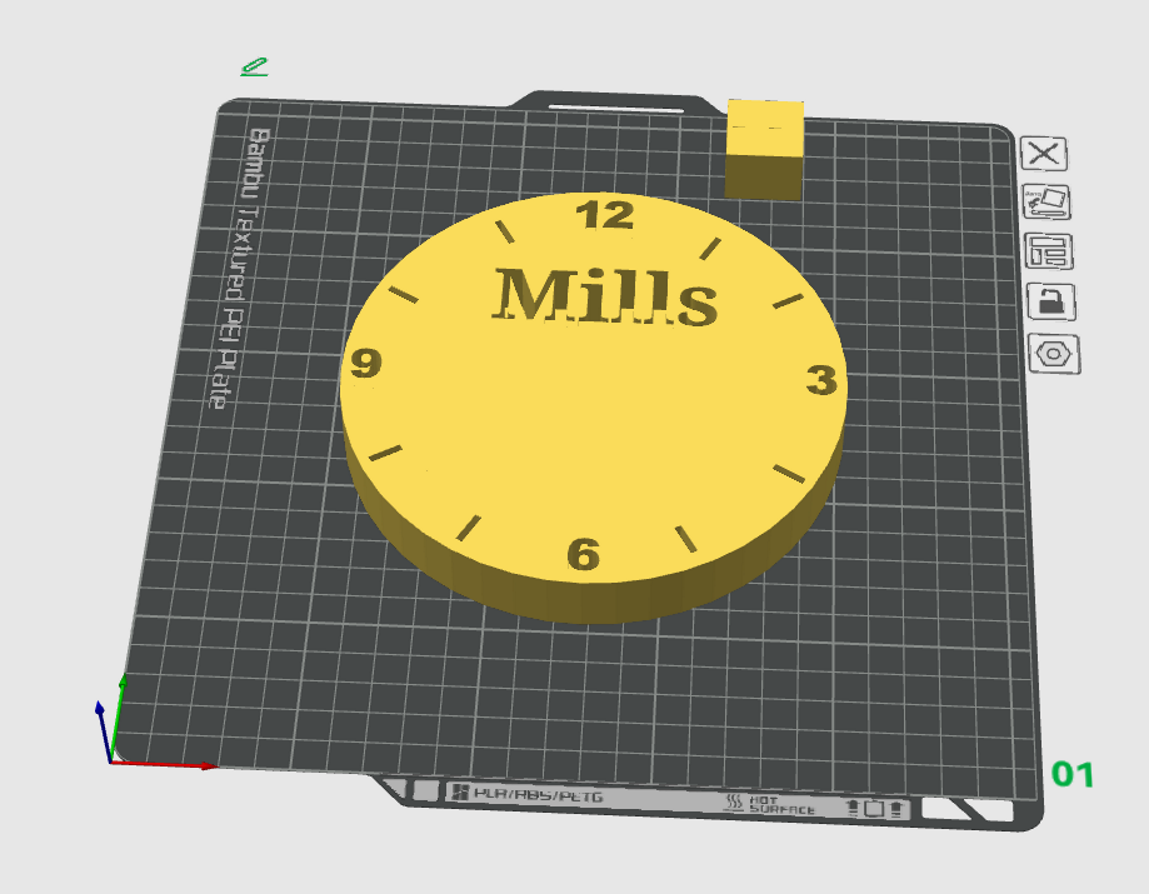
Enter Hugo Cabret! Today we learn Hugo’s job: keeping the station clocks running. Your Infographic Blueprint: This image shows how the temporary orange workplane grid…
Comments closed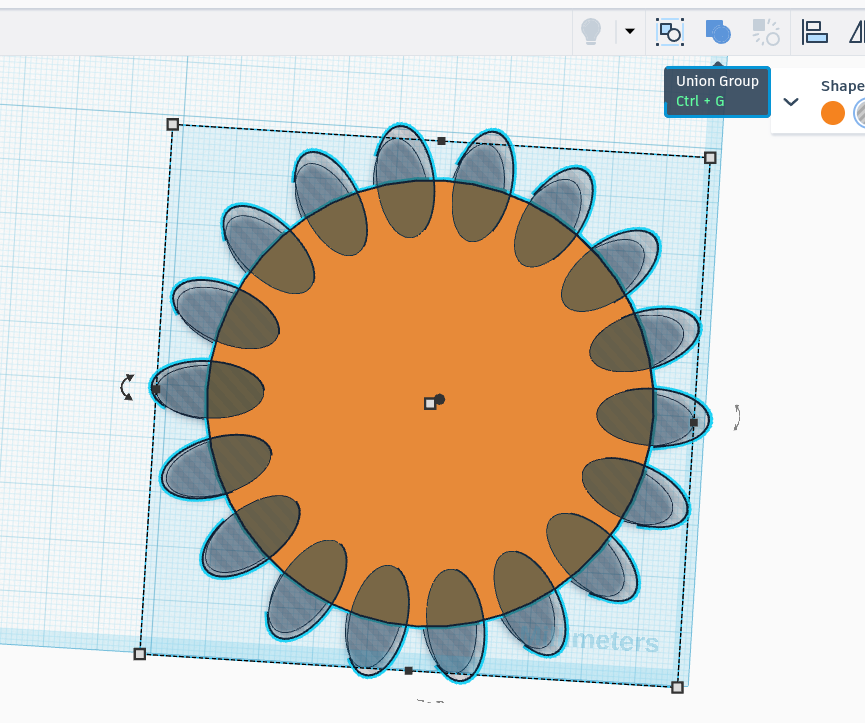
Gears make the world go round! Today, we learn the coolest, most powerful keyboard shortcut in TinkerCAD. Your Infographic Blueprint: This image shows how the…
Comments closed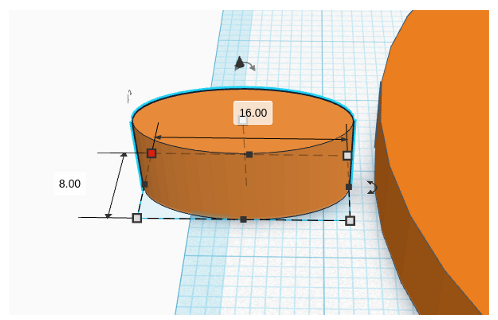
Gears make the world go round! Today, we learn the coolest, most powerful keyboard shortcut in TinkerCAD. Your Infographic Blueprint: This image shows how the…
Comments closed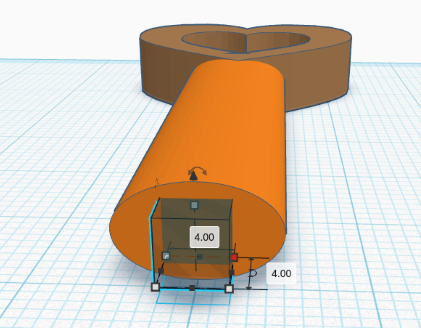
The Missing Piece! Today, we must use complex assembly to make the key that brings the mechanical man to life. Your Infographic Blueprint: This key…
Comments closed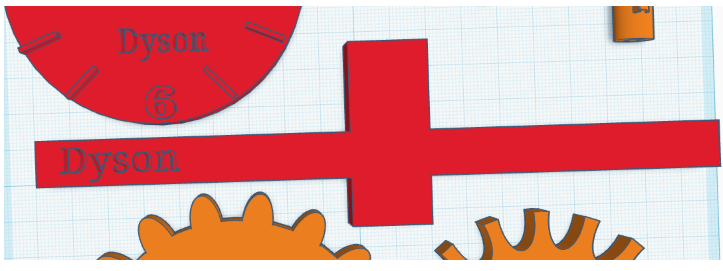
Putting the pieces together! Today, we learn the Align command to get everything straight before sending it to the 3D printer. Your Infographic Blueprint: This…
Comments closed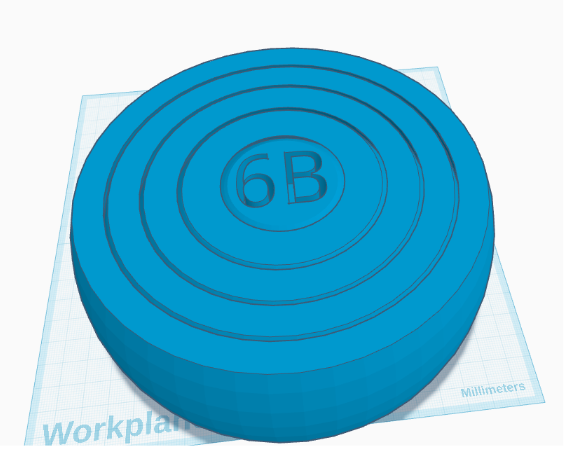
Here you will find the basic functions you will need to design your fidget and some of the instructions you need to complete it. Before you…
Comments closedThe section below covers how we will start to build the car. You will then be able to improve your design through testing. Whilst the…
Comments closed