In this term we will be using TinkerCAD to develop our 3D design skills and see if we can make some model clocks. This is…
Leave a CommentCategory: Year 4
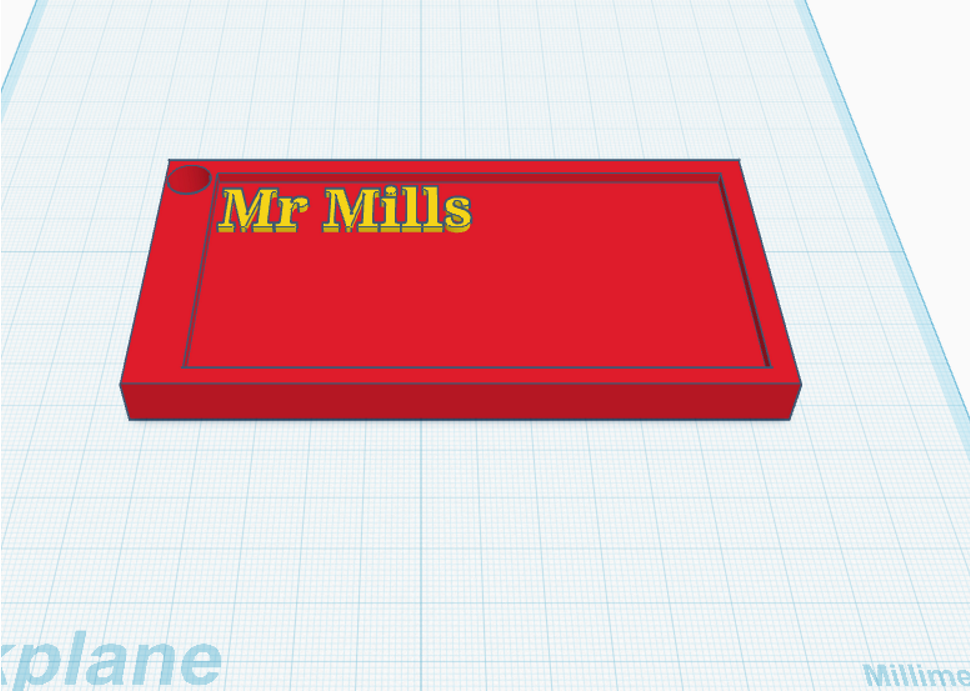
Welcome to 1930s Paris! Today, we are learning how to move around and resize s in 3D space. Your Infographic Blueprint: This is what you…
Comments closed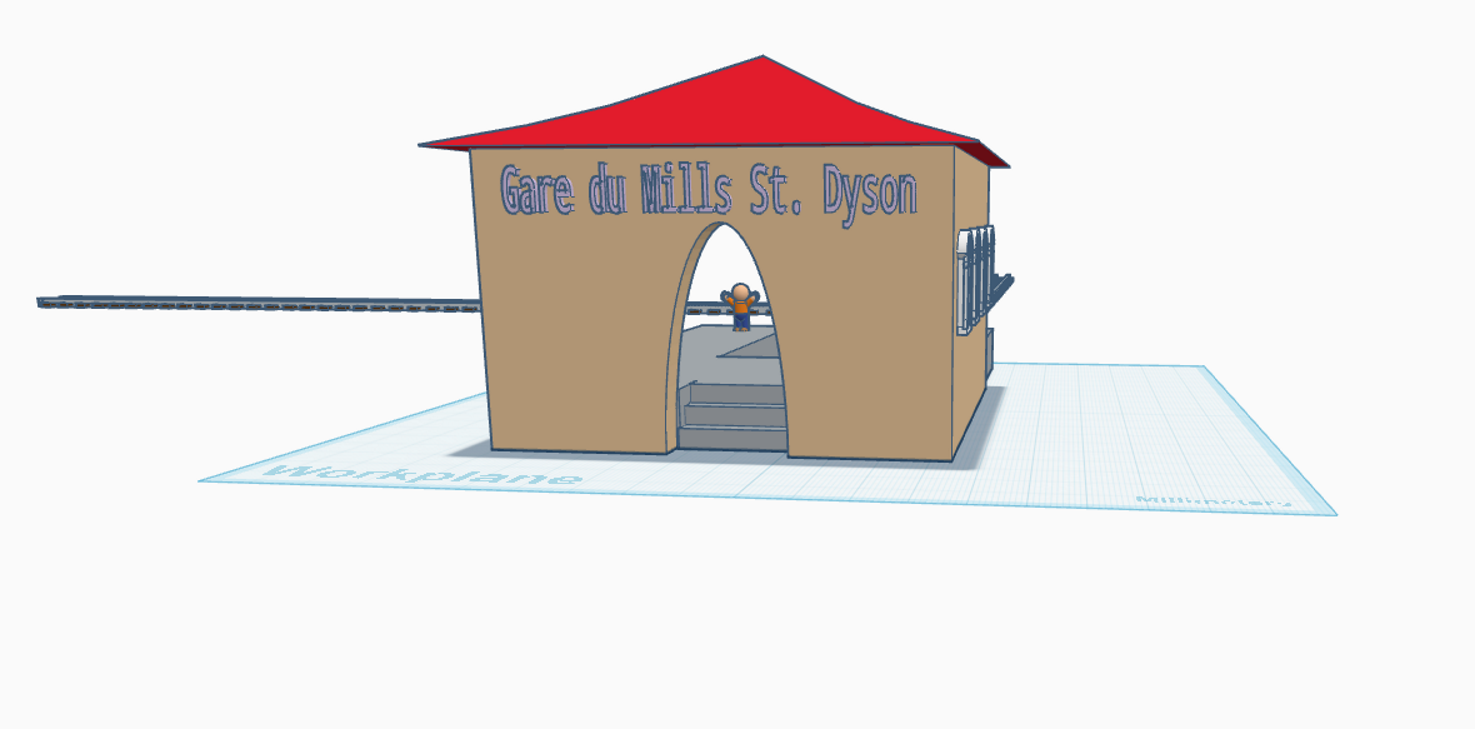
Building the Station! Today, we learn how to carve shapes out of solid walls using “Holes.” We make complex designs by removing material, not just…
Comments closed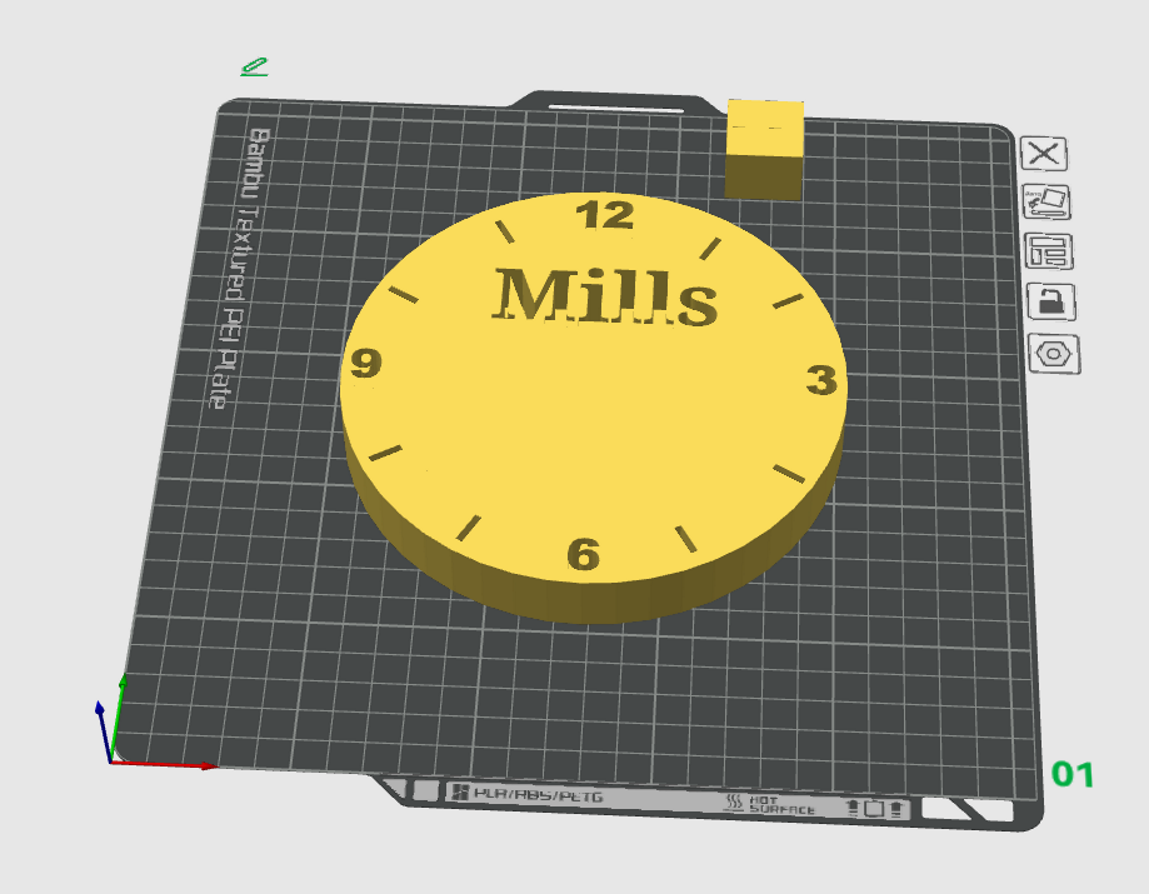
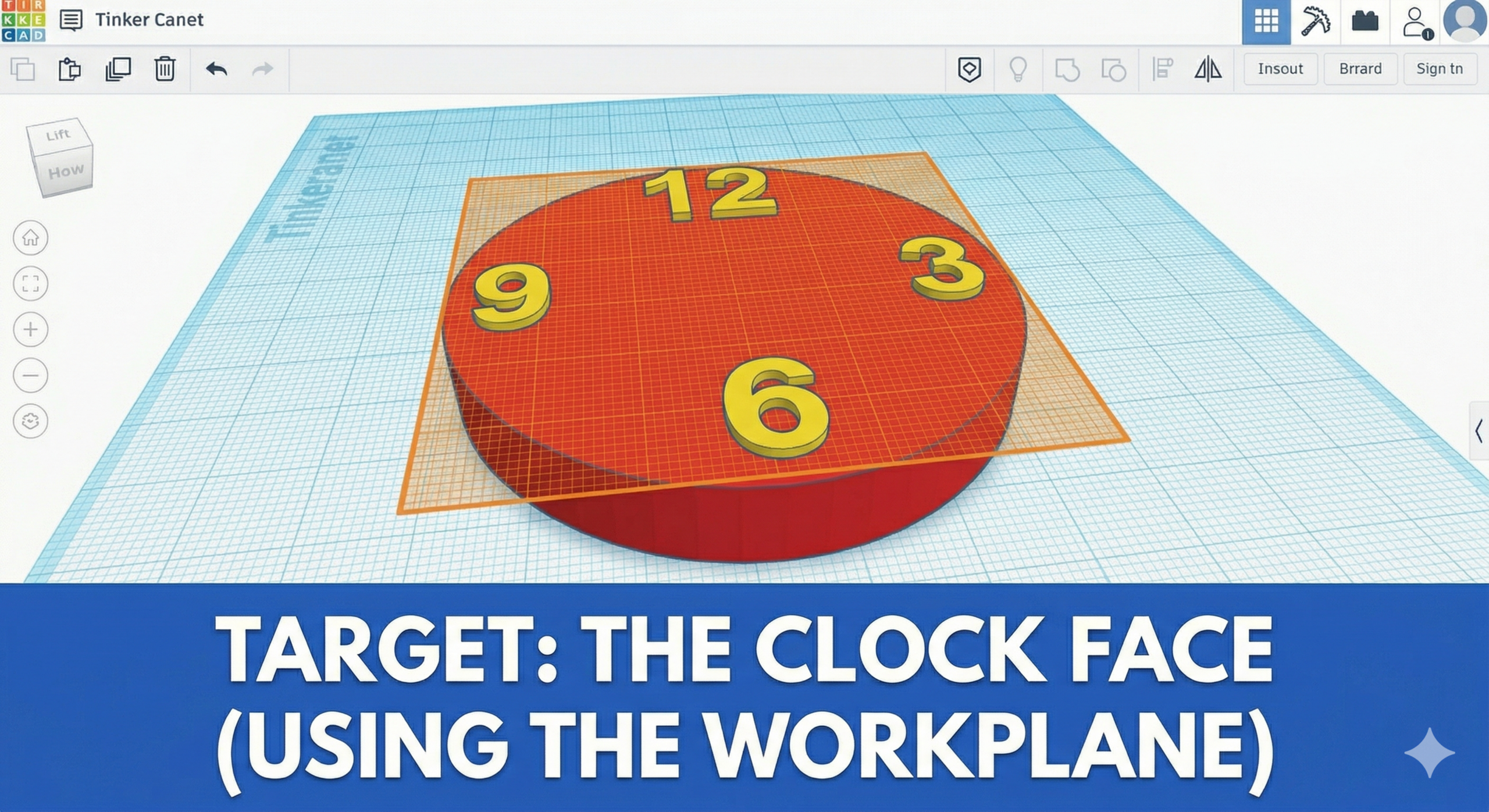
Enter Hugo Cabret! Today we learn Hugo’s job: keeping the station clocks running. Your Infographic Blueprint: This image shows how the temporary orange workplane grid…
Comments closed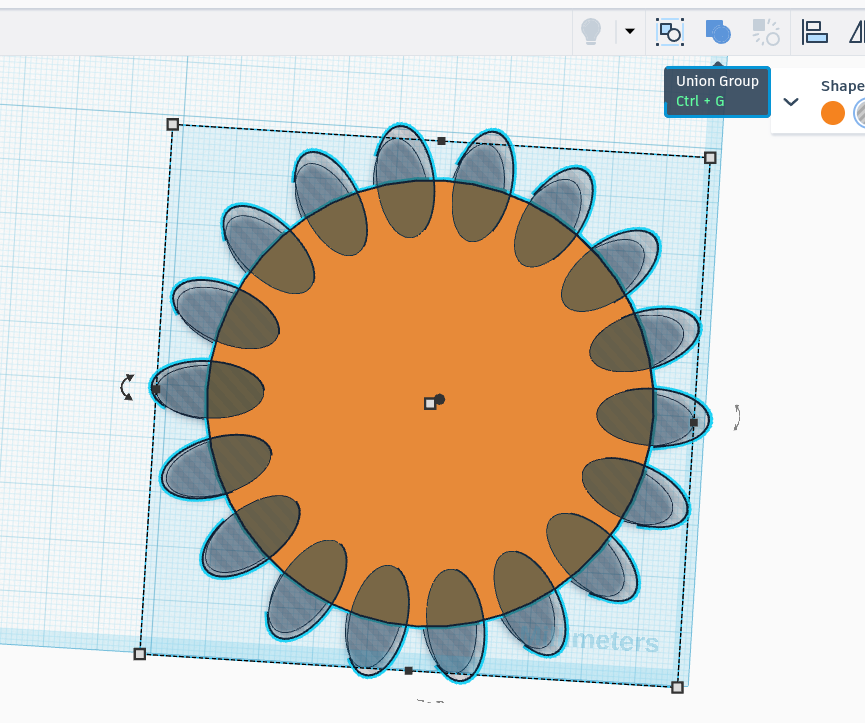
Gears make the world go round! Today, we learn the coolest, most powerful keyboard shortcut in TinkerCAD. Your Infographic Blueprint: This image shows how the…
Comments closed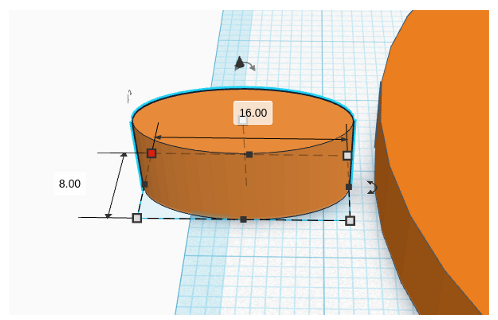
Gears make the world go round! Today, we learn the coolest, most powerful keyboard shortcut in TinkerCAD. Your Infographic Blueprint: This image shows how the…
Comments closed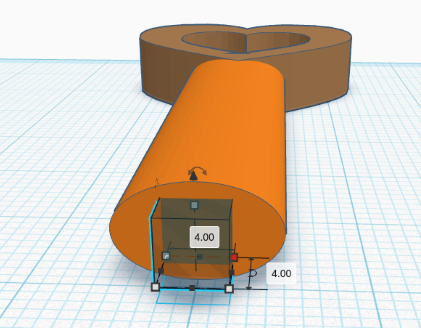
The Missing Piece! Today, we must use complex assembly to make the key that brings the mechanical man to life. Your Infographic Blueprint: This key…
Comments closed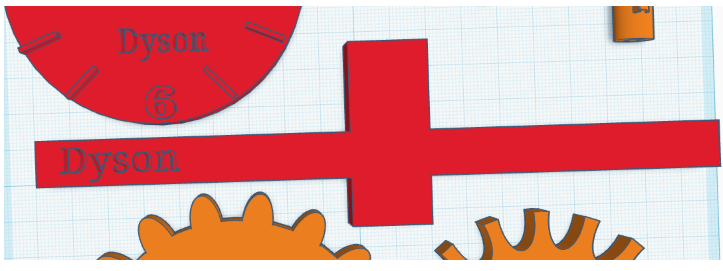
Putting the pieces together! Today, we learn the Align command to get everything straight before sending it to the 3D printer. Your Infographic Blueprint: This…
Comments closed