
The Missing Piece! Today, we must use complex assembly to make the key that brings the mechanical man to life.
Your Infographic Blueprint:
This key looks complex, but it’s just combining basic shapes (heart handle, cylinder shaft, and a rectangular bit) into one single object!

TinkerCAD Hotkeys for today:
- W: (Press W) to turn your mouse into a magic floor-placer (The Workplane tool)!
- H: (Press H) to instantly turn any shape into a transparent “Hole” shape (a cutting tool)!
- Ctrl+C and Ctrl+V: (Copy and Paste).
- Ctrl+Z: (Undo). (Press Ctrl+Z) if you group the wrong things or make a mistake.
Step-by-Step Instructions:
This week we are working on a key that will work our clock mechanism.
It’s pretty simple – we start with a heart shape:
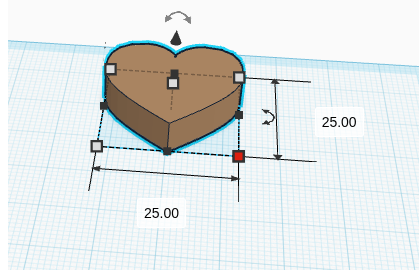
Then we add another heart in the middle as a hole don’t forget to use the align tool to help you.
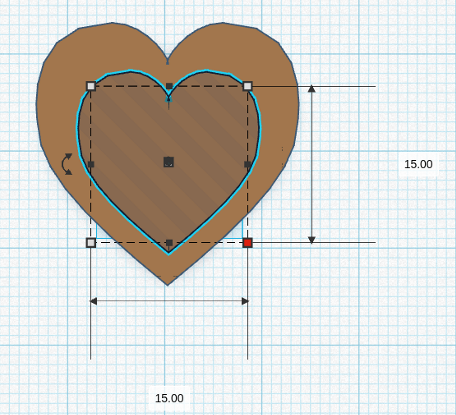
Then we merge it
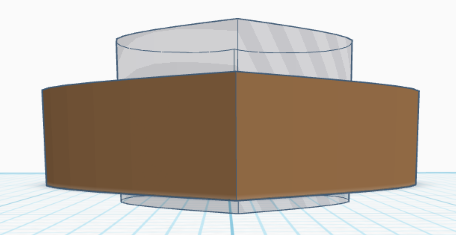
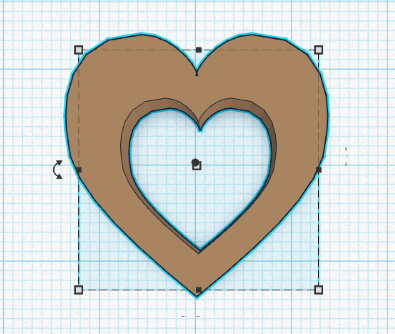
Now we need to add the shaft of the key using a cylinder
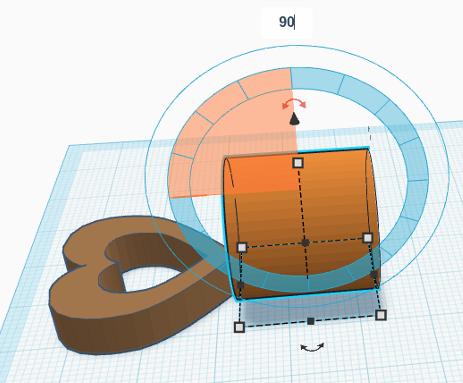
And resize and move the cylinder to match the dimensions of the top (heart) of the key
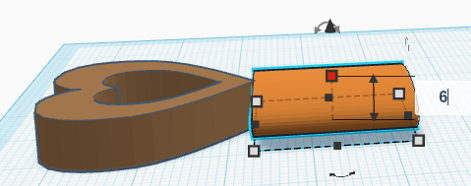
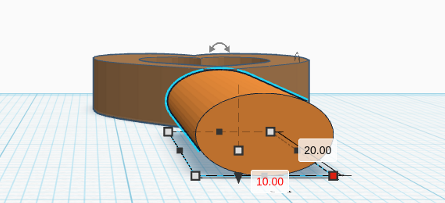
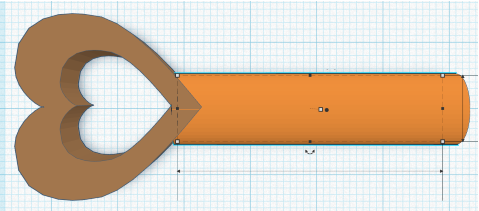
Now we need to add another box as a hole in the end of the shaft so we can turn a square key
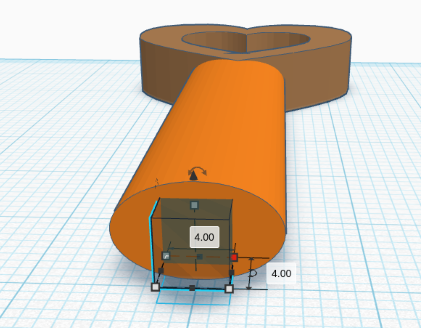
Again we merge it
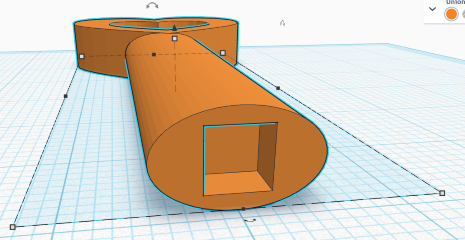
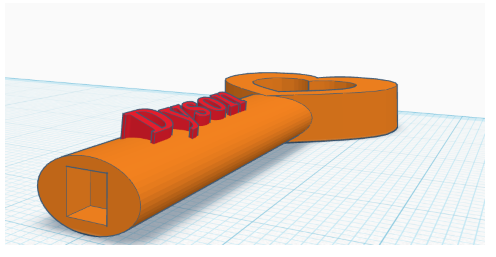
Don’t forget your name
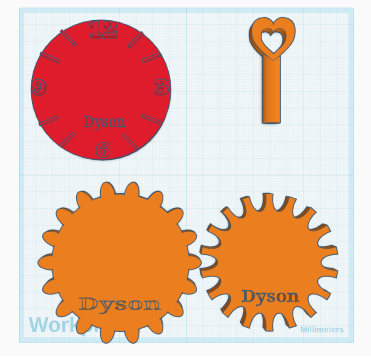
We should now have most of our parts ready
Comments are closed, but trackbacks and pingbacks are open.